Adding records to your wishlist
Keep a running list of the records you're hunting for, always with you when you dig.
The wishlist is for the records you’re hunting: the gaps in a discography, the pressing you keep missing, the album you promised yourself. There are two ways to add to it.
From Add Record:
- Tap Add Record, then under Where it goes choose Wishlist instead of Collection.
- Identify the record however suits, Take Photo, Upload Image, Search or Manual Entry.
- Add it, and it lands on your wishlist instead of in your collection.
From the Wishlist screen: open Wishlist from the menu and tap the + to add straight from there.
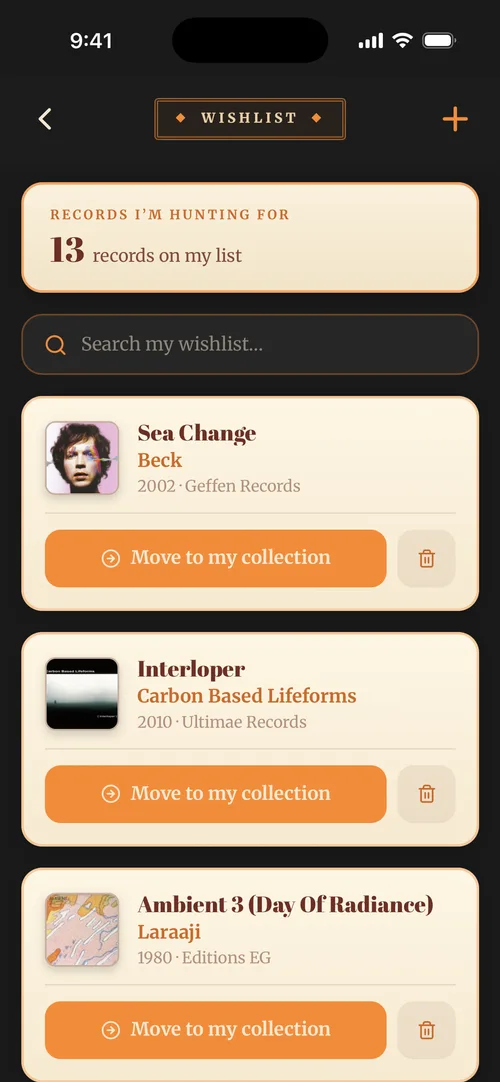
Your wishlist lives alongside your collection, always with you when you’re out digging.