Welcome to your crate
Vinyl Crate Space catalogues every record you own and gets more of them back on the turntable. Photograph a cover and the details fill themselves in, log what you play, keep the hunt list in your pocket. Every guide lives on this page, and the five steps below are the quickest way in.
Your first afternoon
Five steps and you are spinning
-
Get set up
Sign up, confirm your email, and your crate is standing there empty, waiting.
Setting up your account -
Add your first record
Photograph a cover. Title, artist and track listing fill themselves in.
Adding your first record with a photo -
Log your listen
Put it on, tap Listen to Record, and the count quietly begins.
Tracking your listens -
Start your hunt list
Add the one that got away. It comes digging with you from now on.
Adding records to your wishlist -
Admire your collection
Swipe your covers. This is where it stops being a list.
A tour of your collection
Those five get your records in. These are the ones that turn a catalogue back into a collection you play.
Every button, labelled
Know your app
Pick a screen and see what every button does. Then dig into the guides below.
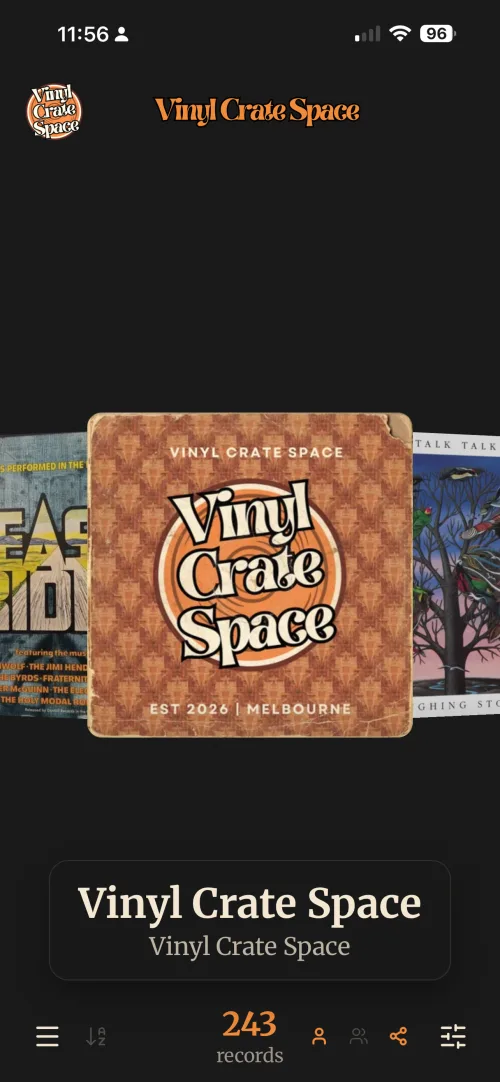
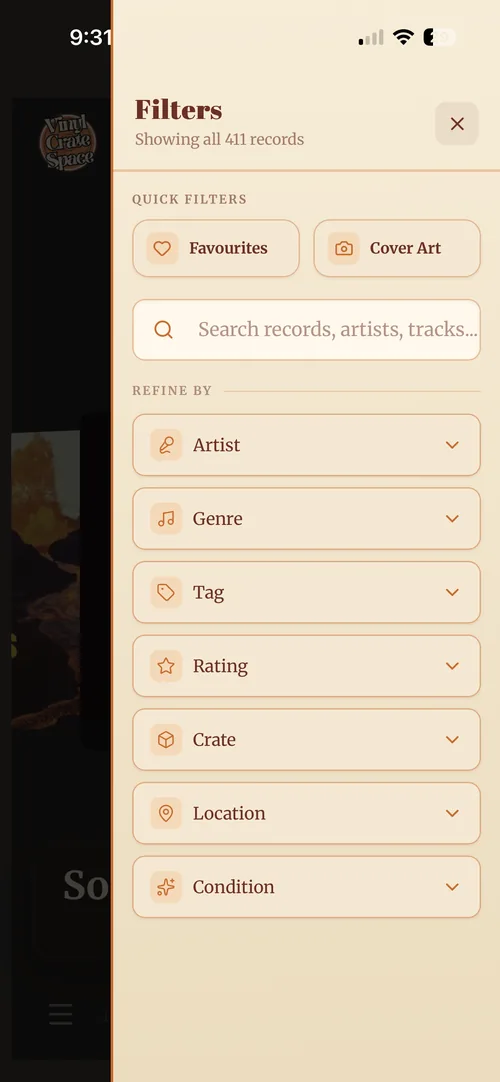
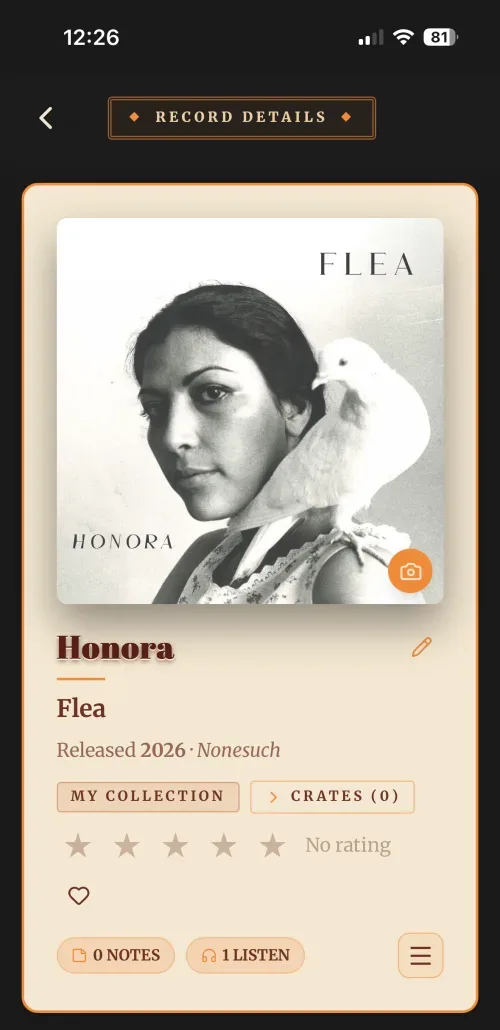
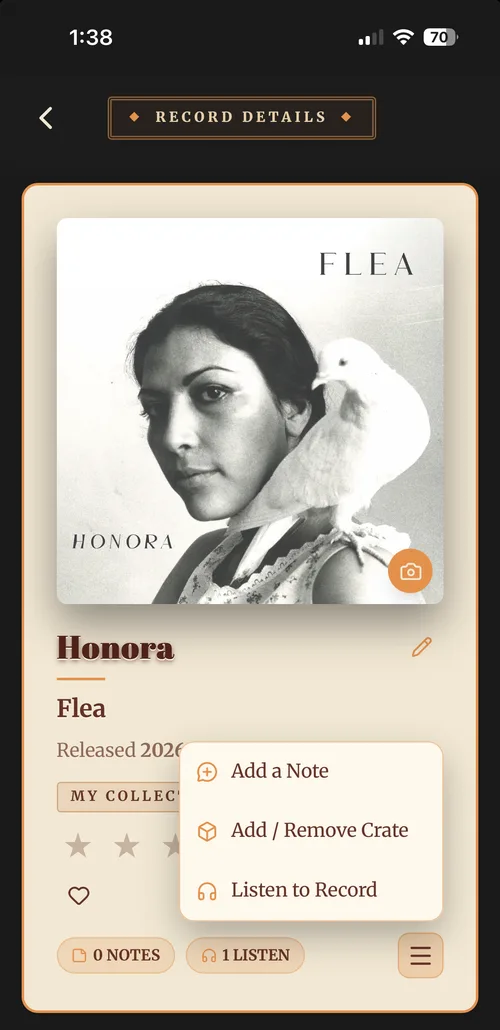
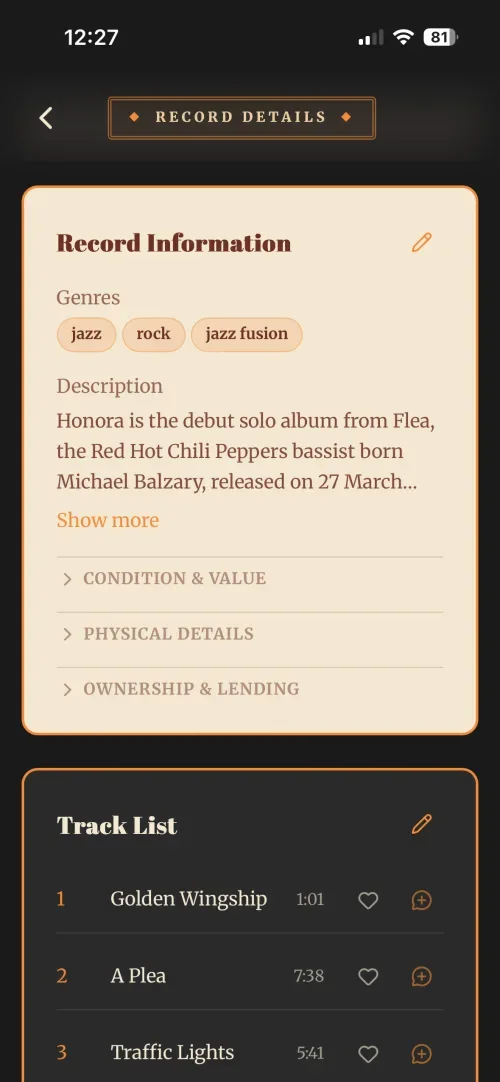
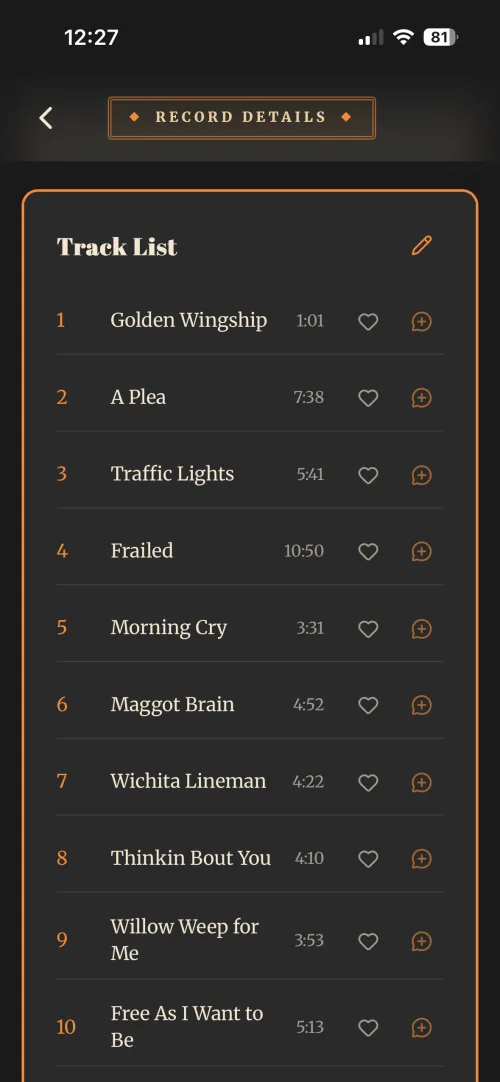
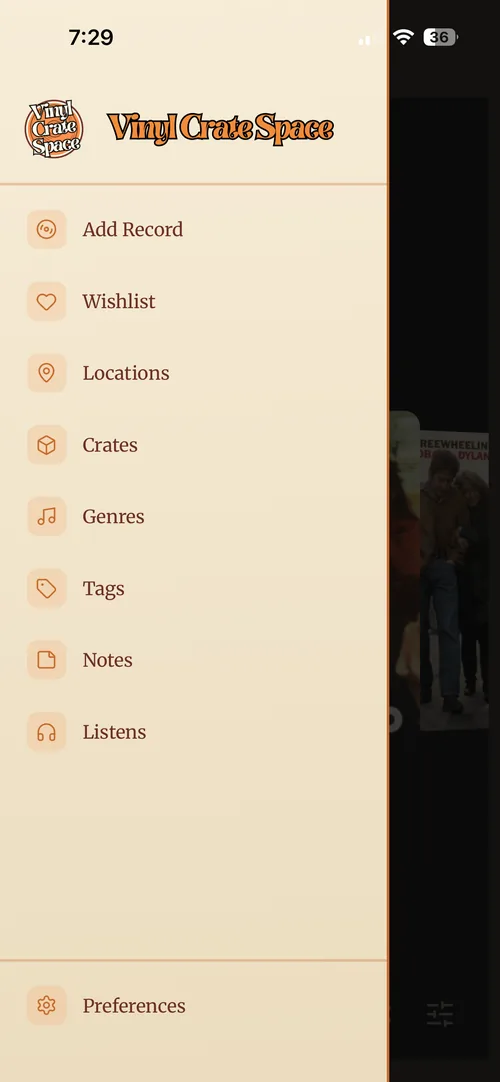
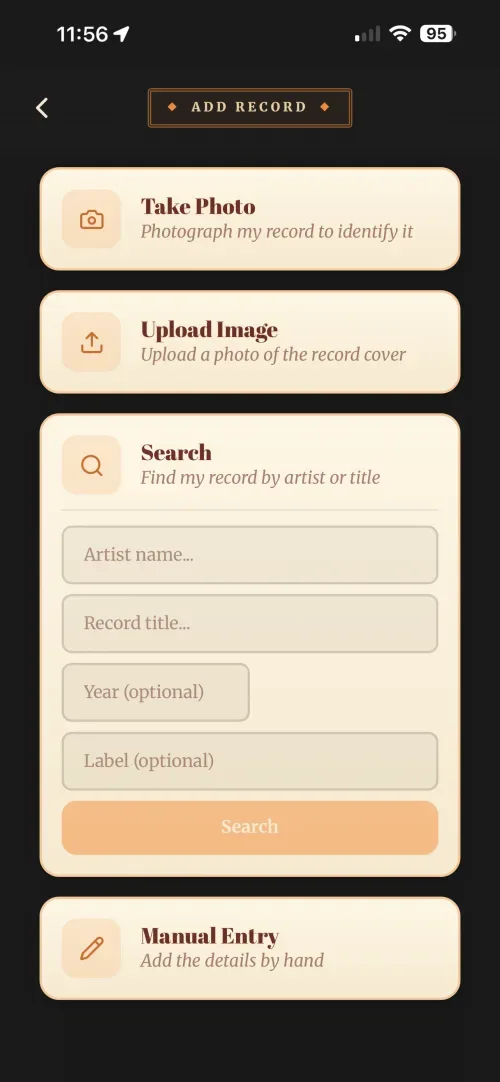
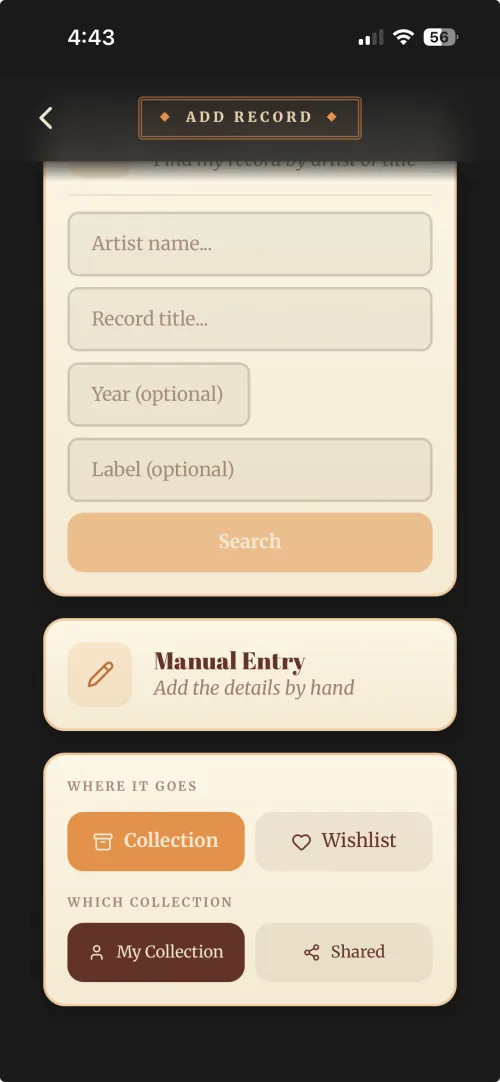
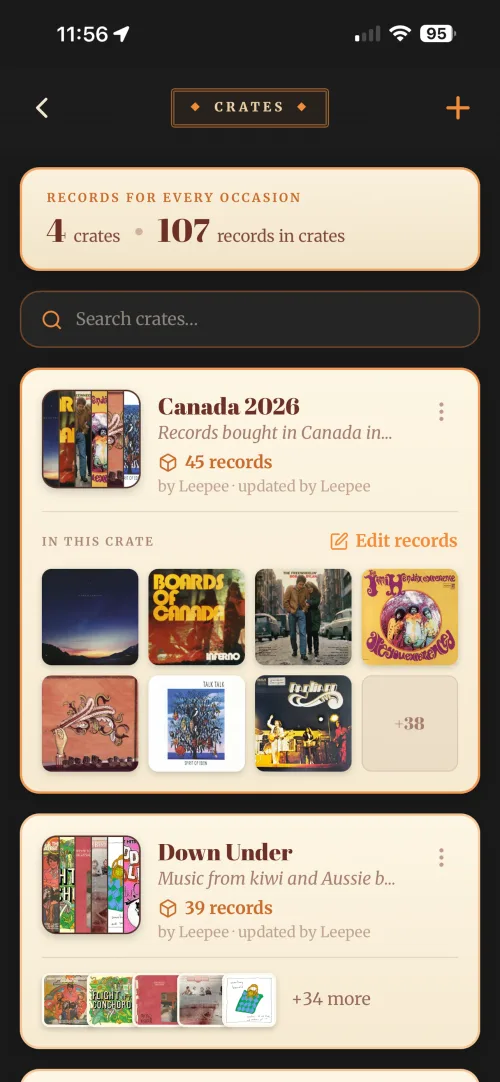
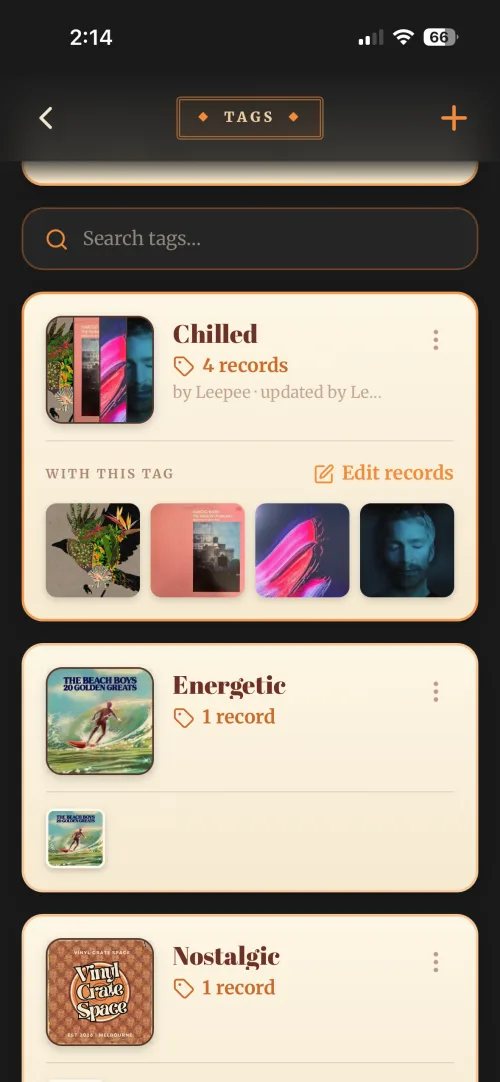
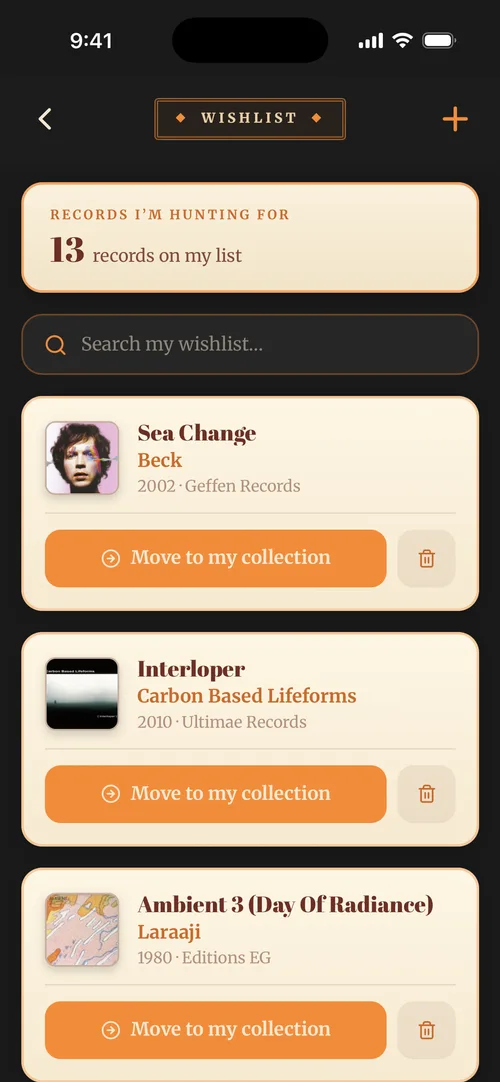
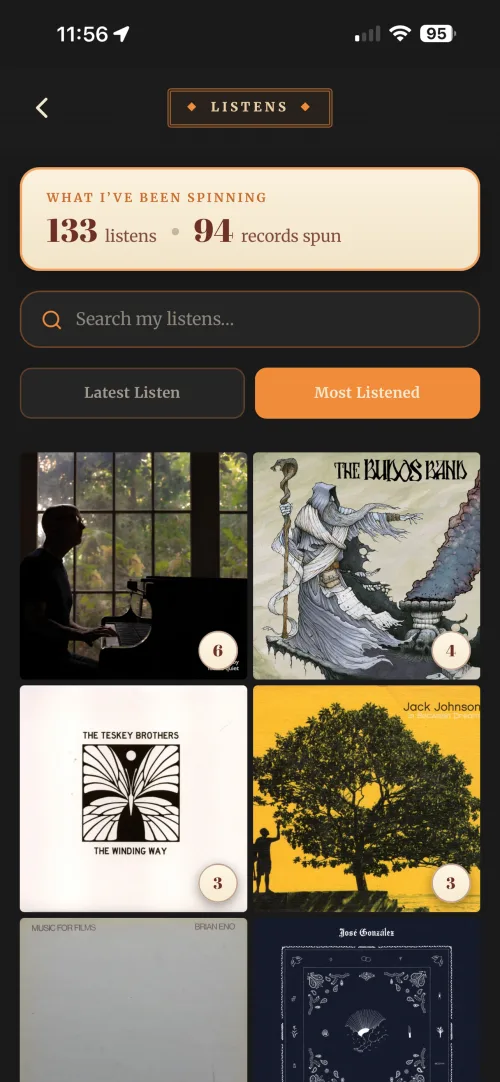
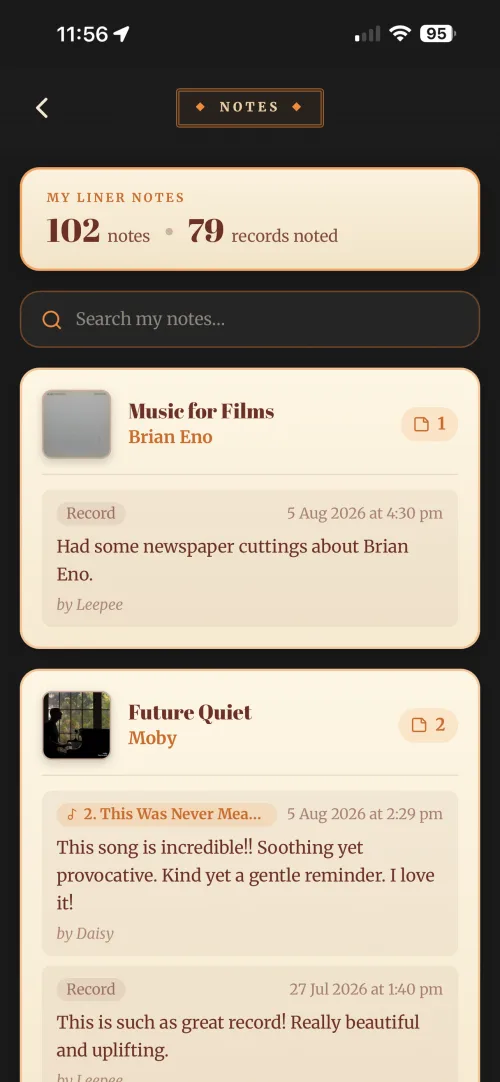
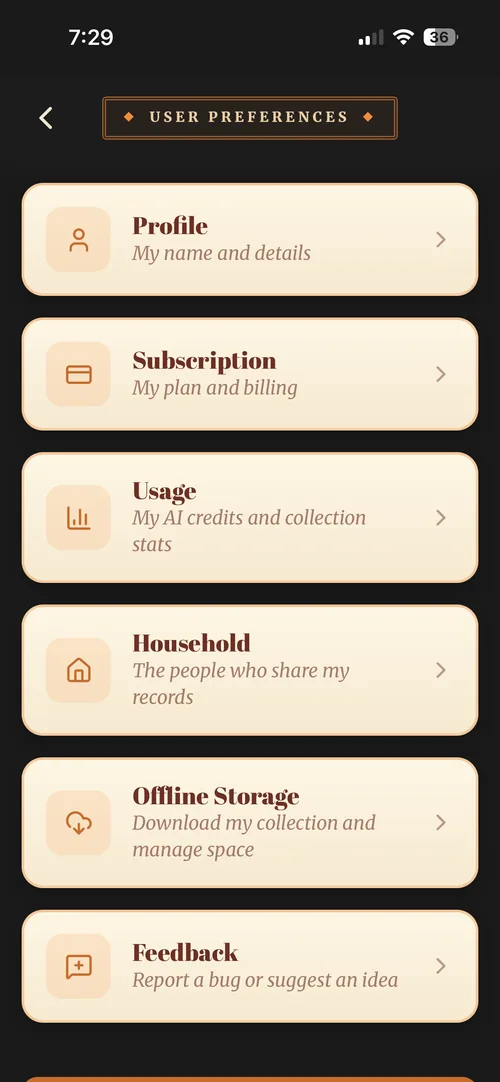
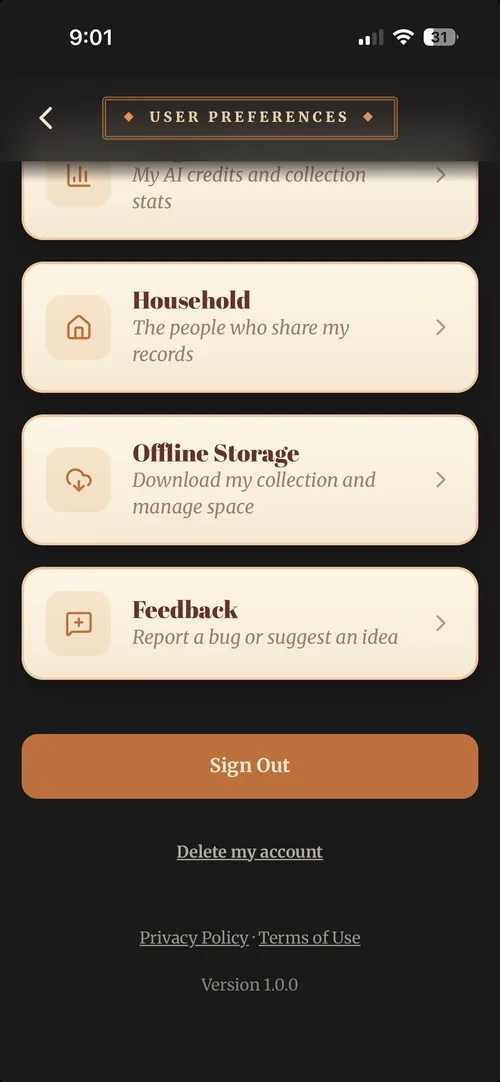
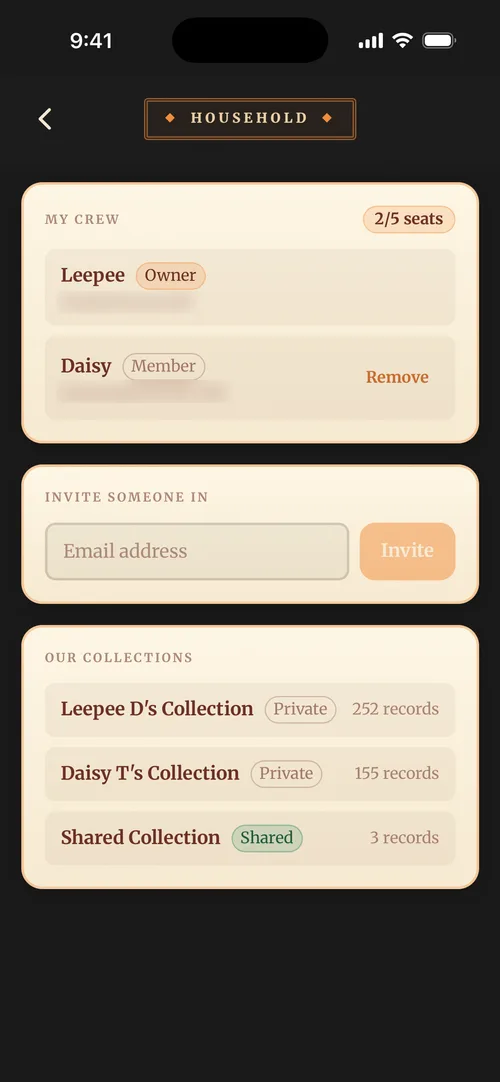
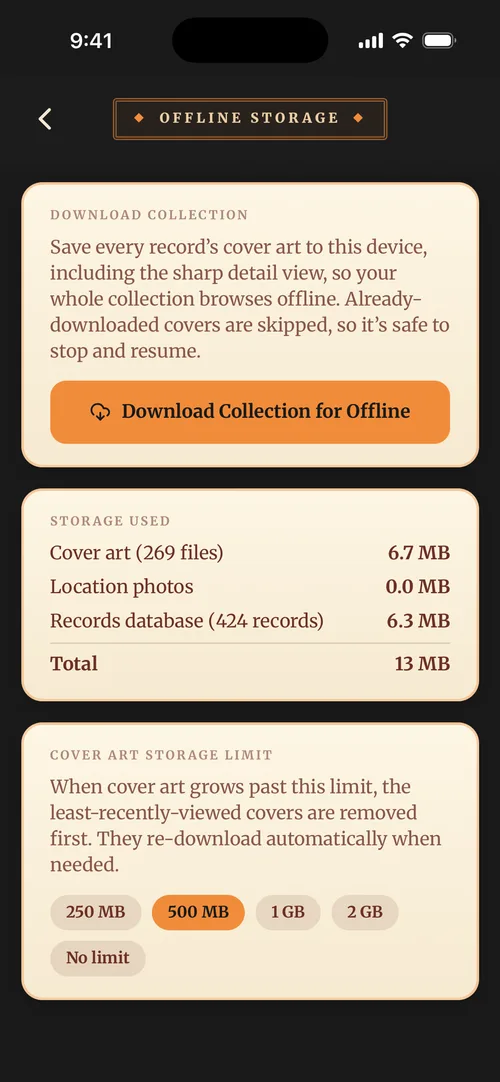
The whole crate, divider by divider
The How To's
Pick a divider to see what is filed behind it.
Setting up your account
The quickest way to get your collection up and running.
Adding your first record with a photo
Take a photo of an album cover and let Vinyl Crate Space fill in the details for you.
Adding several records in one session
Catalogue a whole stack in one go, taking one photo after another.
When a photo doesn't match
Fix a wrong or missing photo match by picking another release or entering it yourself.
Adding records without a photo
Add records by hand when you're away from your shelves or working from a list.
A tour of your collection
Browse your collection with the cover carousel, filters and search the way you flip through records.
Understanding the free plan
What the free plan includes, and when it's worth upgrading.
Importing your collection from Discogs
Seed your crate from a Discogs CSV export, and what to expect while it runs.
How cover photos work
Photo recognition identifies a release from its artwork and fills in the details.
Tips for a clear photo
A few seconds of care with the photo saves a retry.
What AI Credits are and how they're used
How cover photos use AI Credits, and the monthly allowance on each plan.
Checking your remaining credits
See how many AI Credits your plan has left this month.
What happens when you run out of credits
What changes when your AI Credits are used up, and how to keep cataloguing.
Editing a record's details
The three places a record can be edited, and what lives in each.
Recording a record's condition
Grade a record's media and cover, and note whether you bought it new or second-hand.
Adding notes to a record
Capture the story behind a record so your collection becomes truly yours.
Rating and favouriting records
Give a record stars, heart the ones you love, and heart the single tracks you keep coming back to.
Tracking your listens
Log every play and rediscover the records you'd forgotten.
Viewing your listening history and stats
Look back over what you've been playing, and what's been gathering dust.
Adding new tags
Create your own tags so you can group records any way you like.
Using tags to organise your collection
Tag records any way that makes sense to you, then filter to instant playlists.
Organising with genres
Keep one tidy set of genres across your whole collection, and browse by them.
Making a crate
Group records any way you like, without moving them or changing where they live.
Adding a storage location
Set up the shelves, crates and rooms your records live in, ready to attach to any record.
Setting storage locations
Record which shelf, crate or room each record lives in so you can find it fast.
Keeping track of lent and borrowed records
Note who you've lent a record to, or borrowed one from, and find them all in a location.
Filtering and finding records
Filter down by tag, genre or rating, or search direct when you know the album.
Moving records between collections
Move a record to another collection with its details, tags, notes and history intact.
Spotting and merging duplicates
Find records you've catalogued twice and tidy them into one.
Removing a record from your collection
Take a record out of your collection when you've sold, gifted or duplicated it.
Adding records to your wishlist
Keep a running list of the records you're hunting for, always with you when you dig.
Adding notes to wishlist items
Note the pressing, price ceiling and detail that matters when you finally find it.
Moving a wishlist record into your collection
Found it at last? Move a wishlist record into your collection, notes and all.
How offline mode works
Browse, search and edit your collection on your phone with no connection.
What syncs when you come back online
Edits you make offline are held on your phone, then sync through on their own when you reconnect.
Using Vinyl Crate Space in a record store with no signal
Check what you own and hunt your wishlist with no signal, right there in the crates.
Downloading your collection for offline
Cache every cover in advance so your collection looks right in a basement with no signal.
How shared collections work on Duet and Band plans
How Duet and Band sharing works, and who can edit what.
Inviting someone to your Duet or Band plan
Bring someone into your shared collection, and see what they bring with them.
Joining someone else's plan
What happens to your own collection when you accept an invitation.
Leaving or being removed from a shared plan
How to leave a shared plan, and exactly which records come with you.
Managing who can edit what
How editing works across your shared and private collections.
Comparing Solo, Duet and Band plans
Plans shaped around who's collecting, from one person to a crew of five.
Upgrading, downgrading or cancelling
Change plans anytime; upgrades are instant and your records always come with you.
What happens if you go over your record limit
Your records are never deleted, but the collection goes read-only until you're back under the limit.
How Founders pricing works
Your Founders price stays the same for as long as your subscription runs unbroken.
Updating your payment details
Change your card or payment method, and what happens if a payment fails.
Changing your email or password
Update your profile, and reset a forgotten password.
Deleting your account and your data
Permanently remove your collection and personal data, and what it means for shared plans.
The app won't load or is running slowly
A quick checklist to clear most load and performance problems.
My cover photos keep failing
Repeated match failures are almost always about the photo or the connection.
A record's cover art looks wrong
Fix a wrong, low-quality or missing cover on a record yourself.
I can't log in
Work through sign-in method, password resets and locked-out fallbacks.
My records aren't syncing across devices
Steps to get changes flowing between your devices and shared collections.
I can't leave a record I'm editing
Why the app asks you to Save or Cancel before you move on.
Reporting a bug or suggesting an idea
Both go through the same screen in the app, and both reach a real person.
Nothing filed under that. Try another word.