Adding notes to a record
Capture the story behind a record so your collection becomes truly yours.
Notes are where your collection becomes yours. Anything goes, and the little details are the ones you’ll treasure:
- “Recommended by Sam.”
- “Comes with a download code (on the inner sleeve).”
- “Bought this shopping in the city with Mum.”
- “First pressing, listen for the run-out groove message.”
- Open the record and tap the menu button in the bottom right corner of its card, next to the notes and listens counts.
- Choose Add a Note, and write as little or as much as you like.
- Tap Save to keep it with the record.
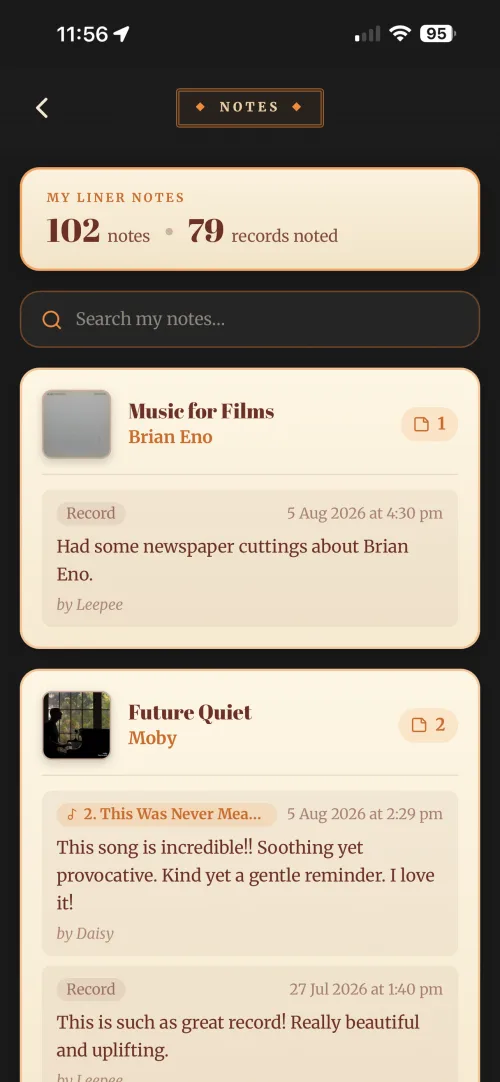
Come back and add more whenever the story grows. To change a note later, open it, edit the text and tap Save again, your own notes are always yours to edit.
Notes are visible to you and, on Duet and Band plans, to the people who share your collection.
Years from now, the note is often the part you’ll be most glad you kept.