Reporting a bug or suggesting an idea
Both go through the same screen in the app, and both reach a real person.
Everything you want to tell us goes through one place in the app: Preferences → Feedback.
Open it and pick which kind of message this is.
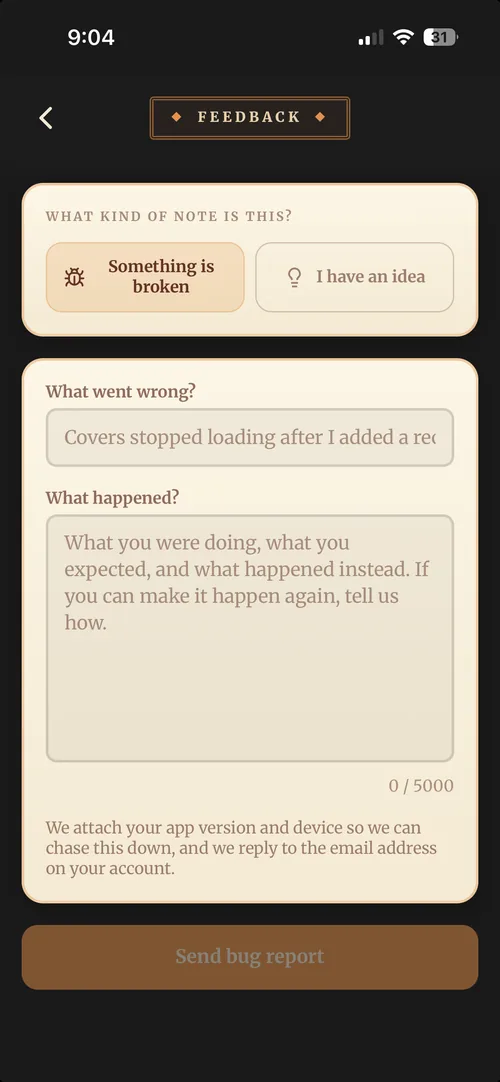
Something is broken
Tell us what you were doing, what you expected, and what happened instead. If you can make it happen again, say how, that’s the single most useful thing you can give us.
Your device, app version and plan come through with the report automatically, so there’s no need to dig any of that out.
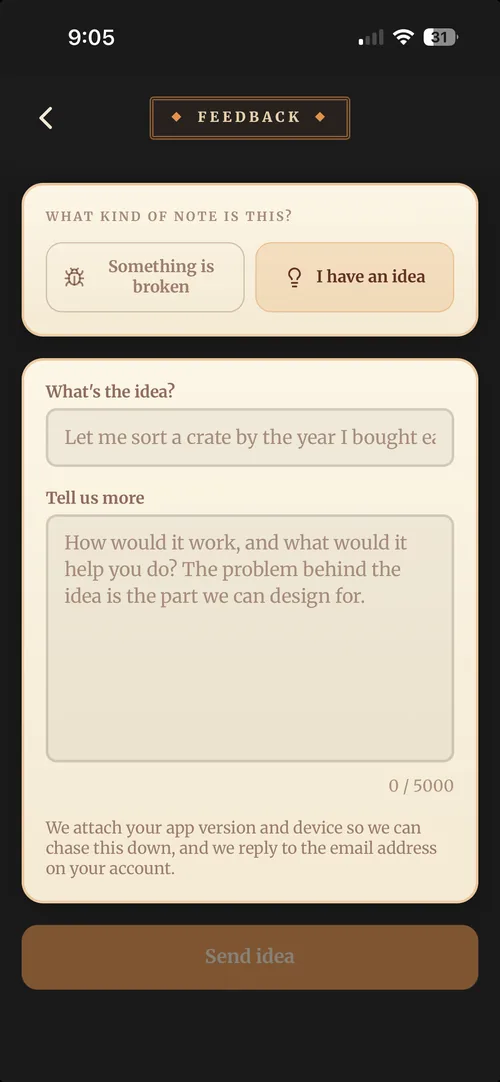
I have an idea
Tell us what you’d like and, more importantly, what it would let you do. The problem behind an idea is the part we can actually design for, and it often turns out there’s a better answer than the one either of us thought of first.
What happens next
Both kinds land with the crew, and replying to your message reaches you directly, so keep an eye on the inbox for the email address on your account.
You’ll need a connection to send feedback, so if the app is offline the screen will wait until you’re back.
Before you report a bug
Worth thirty seconds first, because these clear most problems: