Adding your first record with a photo
Take a photo of an album cover and let Vinyl Crate Space fill in the details for you.
The fastest way to add a record is to take a photo of its cover.
- Open the menu and tap Add Record, then Take Photo.
- Point your camera at the album cover and snap it.
- Retake if the shot is not right, or Use Photo to go on.
- The app reads the cover and rounds up the closest matches.
- Tap the right one to eyeball its details, then hit Add to Collection.
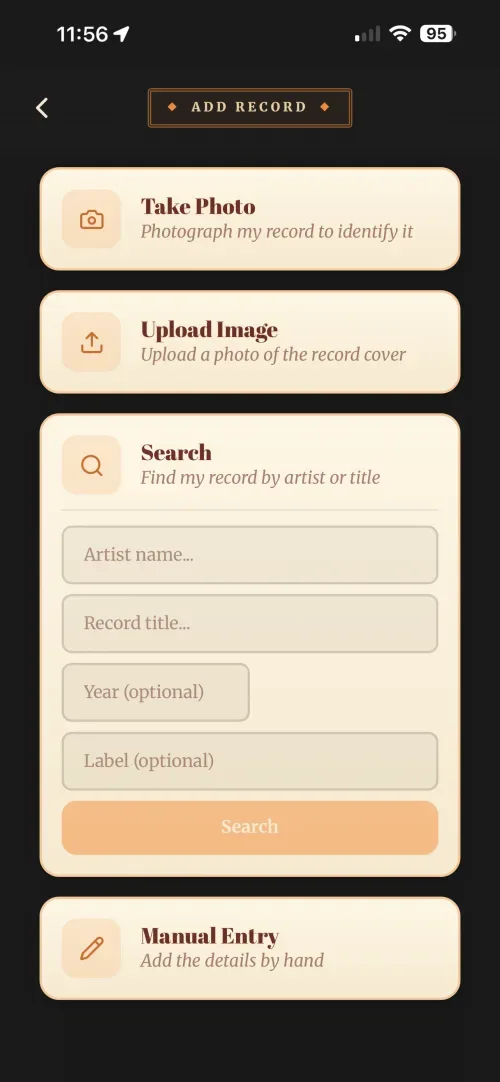
And that’s the record filed, artist, title, year, track listing and cover art already filled in, no typing required.
Details not a perfect match? Maybe the year’s a little out, or it grabbed a slightly different pressing. Open the record and tap the pencil beside the title to fix the title, artist, year or label by hand. See Editing a record’s details for the other things you can change and where they live.
Each photo uses one AI Credit, and the app charges it whether or not it finds a match. The free plan includes 10 a month to get you started, and paid plans a much larger monthly allowance. Adding a record by Search or Manual Entry never uses a credit, and you can check what’s left anytime in Preferences → Usage.
A good photo makes a good match. If a photo doesn’t come back right, the next article covers how to fix it.