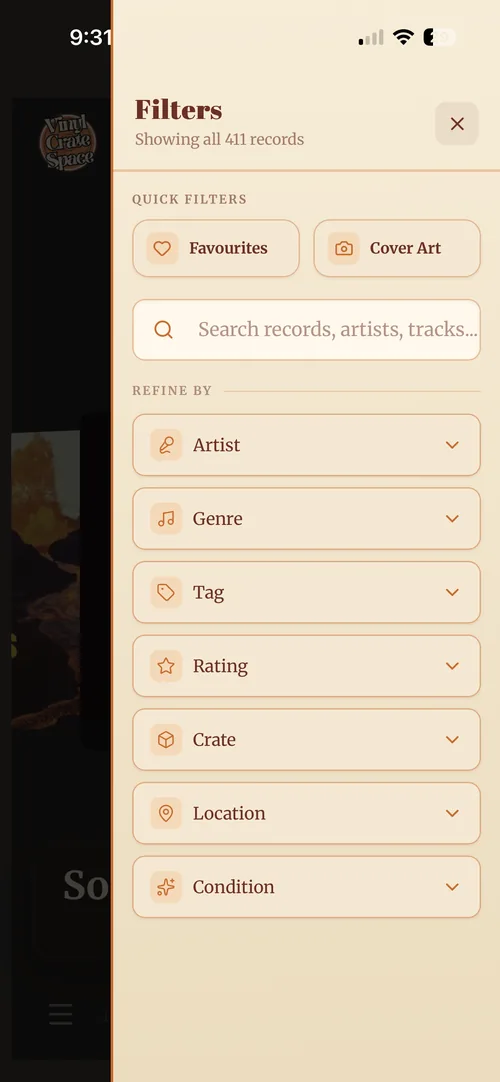
Filtering and finding records
Filter down by tag, genre or rating, or search direct when you know the album.
There are two ways to get to a record: filter down or search direct.
- Use the filter button on the bottom right of the home screen, then apply one or combine several. Quick Filters are one tap each, for favourites and for records with cover art. Under Refine by you can narrow by artist, genre, tag, rating, crate, location, and whether you bought it new or second-hand. The cover carousel narrows to match.
- Search direct, in that same panel, use the search box and type the artist or title. One tap and you’re on the record.